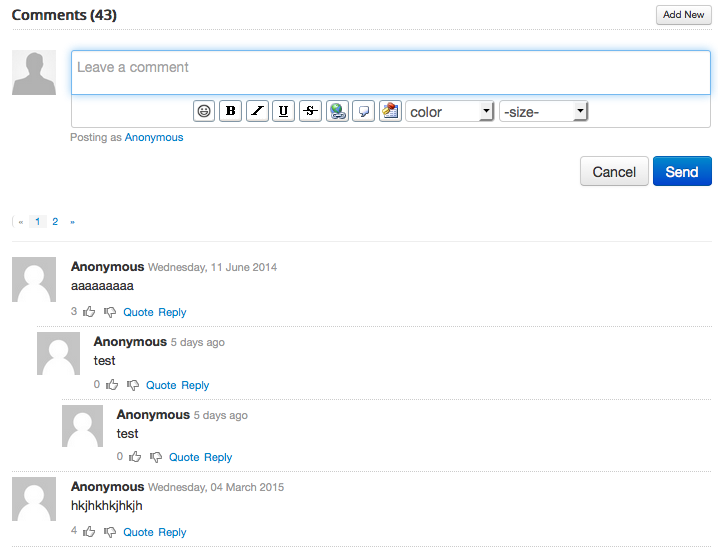
EasyBlog also works out of the box with CompoJoom Comment a.k.a CComment. Integrating EasyBlog with CComment is as simple as following the guide below:
Assuming that you have already installed and configured
CComment, head over toJoomla > Components > CComment > Settings. Ensure that EasyBlog is listed in the integration settings.If EasyBlog is not listed, then you need to add new component by clicking
Newbutton at the top to add a new component
Now, head over to
Joomla > Components > EasyBlog > Settings > Comments > Integrationsand locate the settings shown below and enable it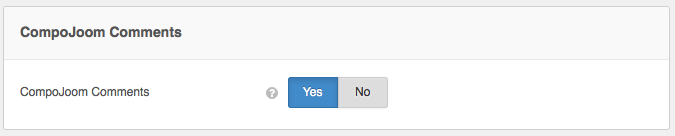
This is how it will looks like on your site.